How Service Area Businesses Should Set Up Google Business Profile
A practical guide for service area businesses on setting up their Google Business Profile to improve local SEO and attract more customers.
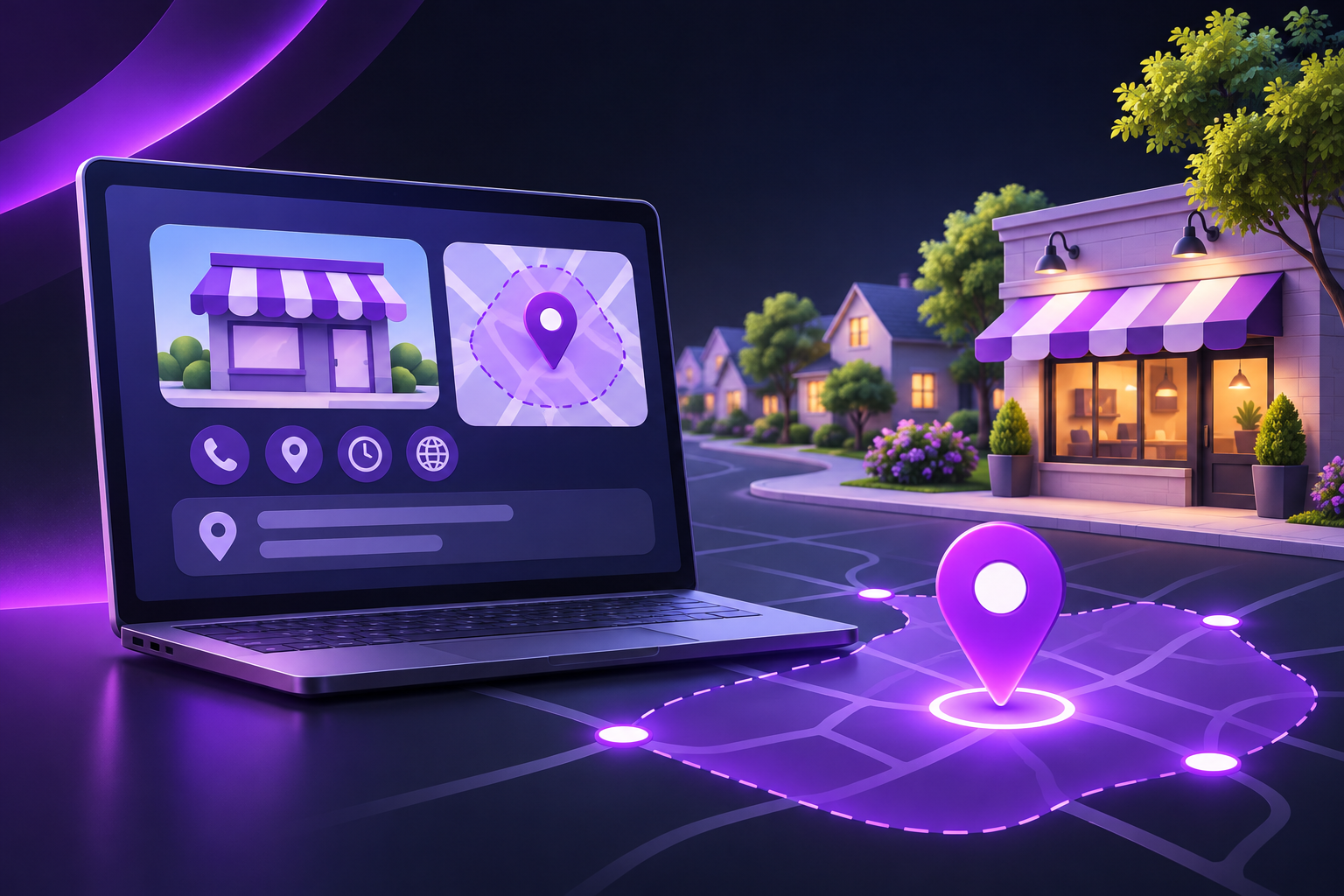
For service area businesses, setting up a Google Business Profile correctly is essential to appear in local search results and attract customers in your service zones. Unlike storefront businesses, you don’t list a public address but instead define your service area. This guide walks you through the setup process with practical tips to maximize your local SEO impact. For more comprehensive local SEO strategies, check out our service at /local-seo.
Understanding Service Area Business Profiles
Google Business Profile (GBP) allows businesses to manage their online presence on Google Search and Maps. Service area businesses (SABs) serve customers at their locations and often don’t have a storefront for customers to visit.
Because SABs don’t have a public address, Google provides an option to specify service areas instead of showing a physical location. This helps businesses appear in relevant local searches without misleading customers.
Setting Up Your Service Area Correctly
When creating your GBP, enter your business address but select the option to hide it from the public. Then define your service areas by city, postal code, or region where you provide services.
Be specific but realistic with your service areas. Overly broad areas can reduce relevance, while too narrow might limit visibility.
- Enter your business address but choose to hide it
- Add service areas by city, postal code, or region
- Avoid listing areas where you don’t actively serve customers
Choosing the Right Primary and Additional Categories
Selecting accurate categories helps Google understand your business and match you to relevant searches. Your primary category should reflect your main service offering.
You can add additional categories to cover secondary services but avoid irrelevant or overly broad categories.
- Select a primary category that best describes your core service
- Add relevant secondary categories to capture additional services
- Review category options regularly as Google updates them
Optimizing Your Business Description and Attributes
Use your business description to clearly explain what you offer and emphasize your service areas. Include keywords naturally to help with local SEO.
Attributes like service options, accessibility, and payment methods provide useful details to potential customers and can improve profile completeness.
- Write a clear, keyword-rich business description
- Select applicable attributes to enhance your profile
- Keep information up to date to maintain trust
Adding Photos and Posts to Engage Customers
Visual content helps build trust and shows your work quality. Include photos of your team, vehicles, tools, or completed projects.
Regularly post updates, offers, or news to keep your profile active and engaging.
- Upload high-quality, relevant photos
- Use Google Posts to share timely updates
- Encourage customers to add photos with reviews
Managing Reviews and Customer Interaction
Reviews significantly impact local rankings and customer trust. Encourage satisfied customers to leave reviews and respond promptly to all feedback.
Monitoring and responding to reviews shows you value customer input and can improve your reputation.
- Ask customers for reviews after service completion
- Respond professionally to positive and negative reviews
- Use review insights to improve your services
Leveraging Service Area Business Insights
Google provides insights on how customers find your profile, what actions they take, and where they come from. Use this data to refine your service areas and marketing efforts.
Regularly review insights to identify trends and adjust your GBP setup accordingly.
- Monitor search queries and customer actions
- Adjust service areas based on performance data
- Integrate insights with broader local SEO strategies
Avoiding Common Setup Mistakes
Don’t use a home address as your business address if it’s not public. This can lead to suspension or lower visibility.
Avoid listing service areas too broadly or inconsistently with your actual coverage.
- Hide your physical address if you don’t serve customers there
- Keep service area listings accurate and consistent
- Follow Google’s guidelines to prevent profile issues
Next Steps After Profile Setup
After your profile is live, focus on ongoing optimization such as adding fresh content, managing reviews, and monitoring insights.
Consider complementing your GBP with local citations and a well-optimized website to strengthen your local SEO presence.
- Keep your profile information current
- Encourage customer engagement through reviews and posts
- Use local SEO best practices to improve rankings
Want help implementing this?
Get my free snapshot tailored to your business.
Frequently Asked Questions
Can a service area business display its home address on Google Business Profile?+
No, if you serve customers at their location and don’t have a storefront, you should hide your home address and specify your service areas instead.
How many service areas can I add to my Google Business Profile?+
Google allows you to add multiple service areas, but it’s best to focus on areas where you actively provide services to maintain relevance.
Will hiding my address affect my local search rankings?+
No, hiding your address is standard for service area businesses and Google uses your specified service areas to determine local search relevance.
How often should I update my Google Business Profile?+
Regular updates, such as adding photos, posts, and responding to reviews, help keep your profile active and engaging for customers.
Can I manage multiple service area businesses from one Google Business Profile?+
Each distinct business location or service area should have its own profile to ensure accurate representation and local SEO benefits.
What categories should I choose for my service area business?+
Select a primary category that best describes your main service and add relevant secondary categories to cover additional offerings.
How do I encourage customers to leave reviews for my service area business?+
Ask for reviews after completing services, provide easy links to your profile, and respond to existing reviews to show you value feedback.